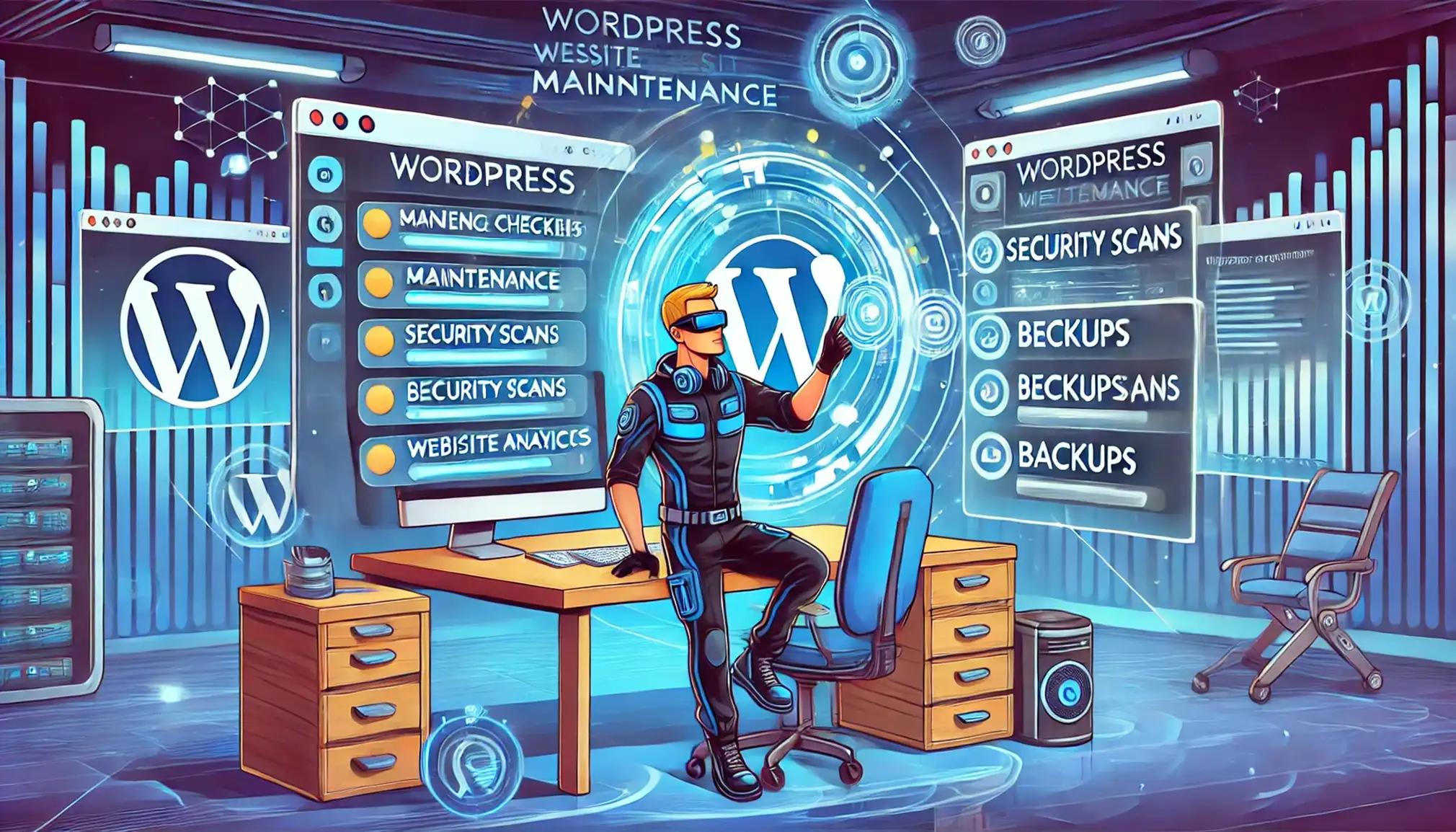
Managing and maintaining your WordPress website is vital to ensure it performs optimally, remains secure, and continues to provide a positive user experience. Here’s an essential WordPress maintenance checklist to help webmasters streamline regular tasks and stay organised.
Having regular backups of your website is your safety net. Ensure your website is backed up consistently—preferably daily or weekly, depending on how often your content changes. Consider using reliable backup plugins or services that allow easy restoration if something goes wrong.
Keep the WordPress core up-to-date. Regular updates help protect your website against vulnerabilities, improve functionality, and ensure compatibility with themes and plugins. Always perform backups before applying major updates to avoid data loss.
Plugins and themes require regular updates to patch vulnerabilities and ensure optimal performance. Regularly check for available updates in your WordPress dashboard and apply them promptly. Remove inactive plugins and themes to reduce security risks.
Regularly scan your website for malware and suspicious activities. Use trusted security plugins to detect and remove threats, keeping your website protected from malicious attacks. Security should always be a high priority for webmasters.
Databases can quickly accumulate redundant data, causing slow website performance. Regularly optimise your database using plugins or manual methods to improve the loading speed and responsiveness of your website. Hosting Australia's database experts can help with this - contact our support team today!
Broken links negatively impact user experience and SEO rankings. Regularly scan your website for broken links and fix them promptly. Implement redirects for removed pages to relevant content to maintain a smooth user experience.
Your website's availability is critical for your visitors. Employ uptime monitoring tools to instantly detect downtime and resolve hosting-related issues quickly. Ensure your hosting service offers robust reliability and support.
Website speed is crucial for visitor retention and SEO. Regularly test your website speed using tools like Google PageSpeed Insights or GTmetrix. Optimise your website performance by compressing images, leveraging caching plugins, and reducing resource-intensive scripts.
Fast, reliable WordPress hosting can also ensure your site is performing at its peak.
Periodically review and refresh your website’s content. Check your website SEO health, optimise keywords, meta descriptions, and headers to maintain strong visibility in search engines. High-quality, updated content consistently attracts and retains users.
Regularly ensure your website complies with accessibility standards, making your site inclusive for all users. Utilise WordPress accessibility plugins to help audit and improve accessibility.
Keeping on top of these maintenance tasks might seem overwhelming, but it ensures your WordPress website remains robust, secure, and efficient. For professional assistance, or to enhance your WordPress Web Design, feel free to Contact Us. Our team of experts is always here to help you.