Easter is fast approaching and with it, the chance to find hidden easter eggs on the internet, or as we like to call it, the rabbit hole. If you’re anything like us, you can’t wait until the week of Easter to start looking for the best-hidden easter eggs on the internet! But how do you find them? Well, luckily for you, we’ve got an entire list of tips on how to find hidden easter eggs and how to find them quickly. Whether you’re looking for the best-hidden easter eggs on the internet, or simply looking to survive the next few days before the big day, we’ve got you covered!
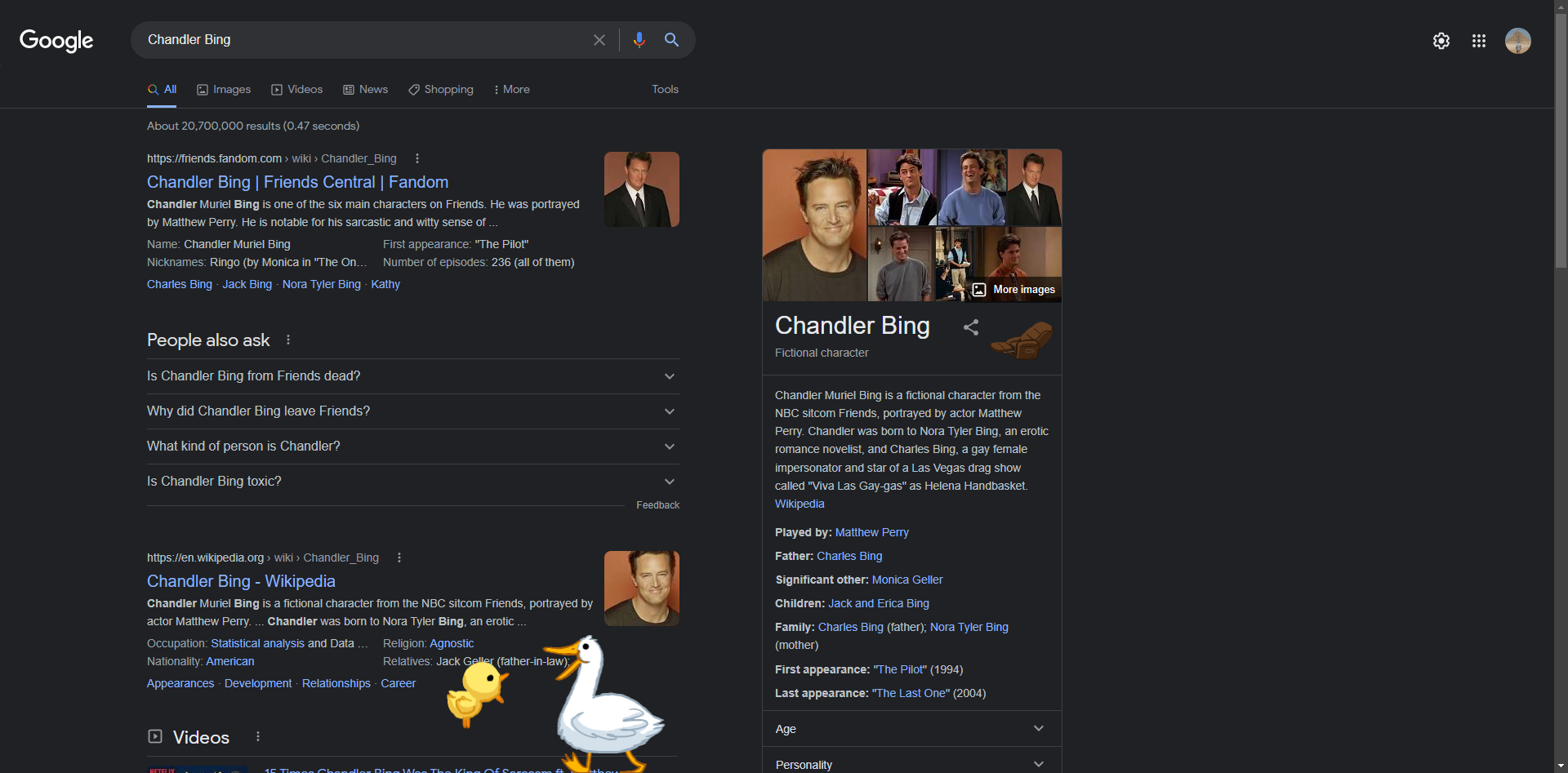
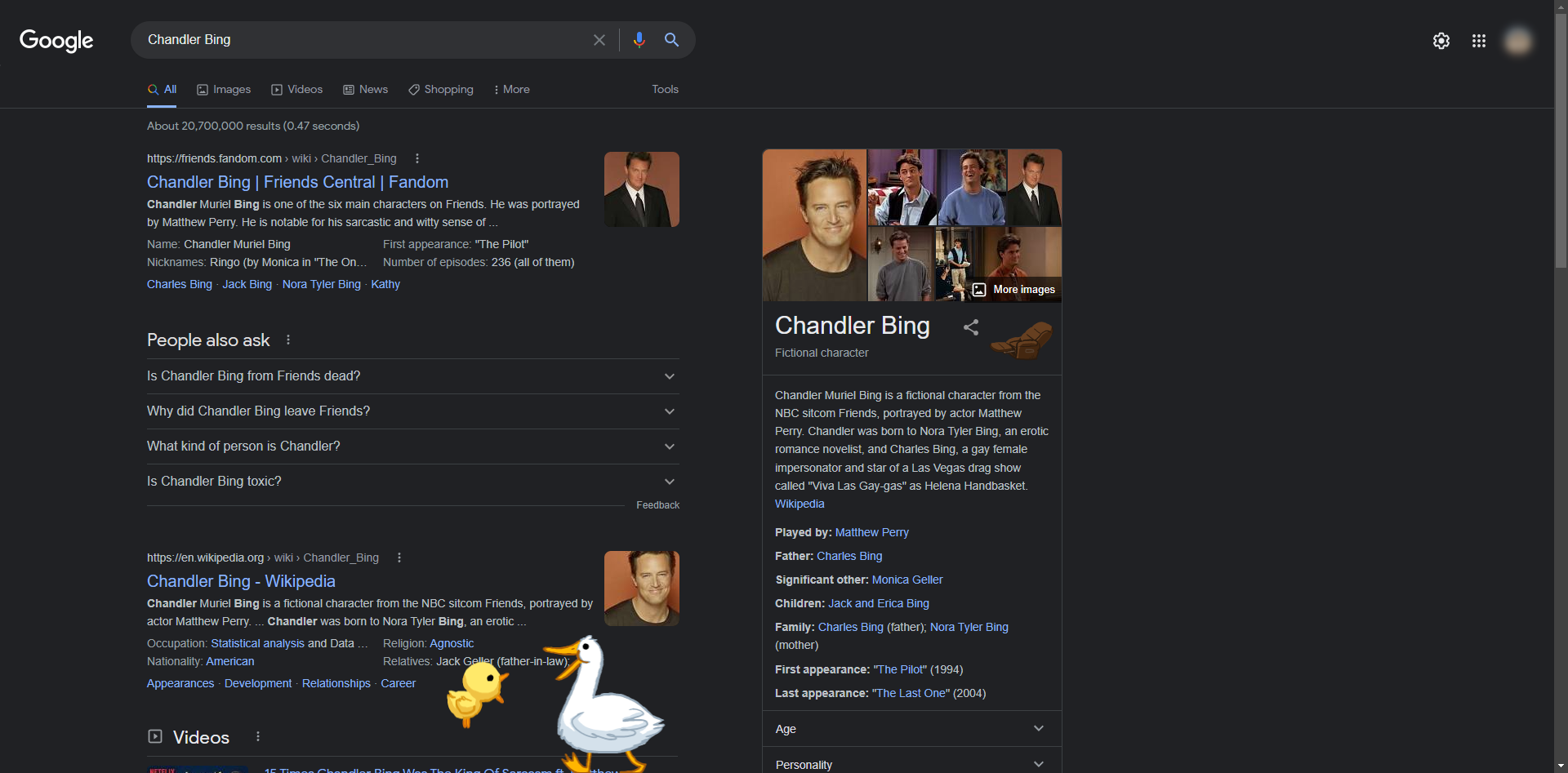
Friends, the American sitcom, celebrated its 25th anniversary in 2019, and Google added a slew of Easter Eggs to commemorate the occasion.
Type in search and then click on the image on the right (make sure sound is turned on):
Do you still have a nostalgic feeling? To take a trip down memory lane, type in "google in 1998" without quotation marks.
Google will show you games to play in your browser if you type Pacman, Tic Tac Toe, Snake Game, Minesweeper, or Solitaire into the search bar.
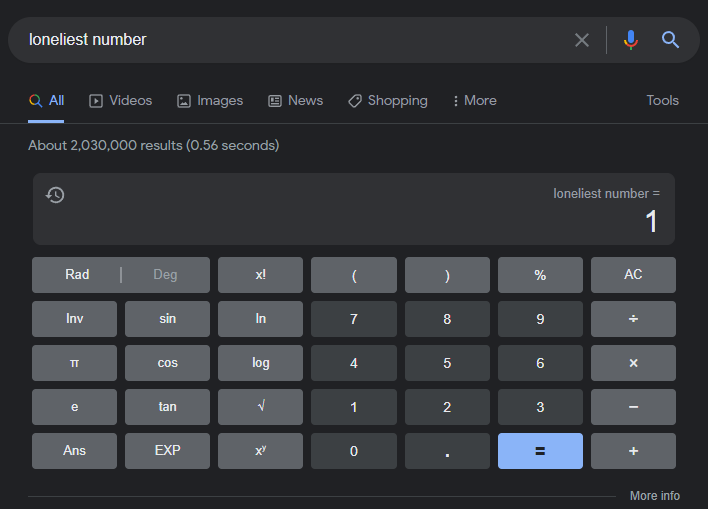
You can type a lot of phrases into Google Search to receive a unique numerical result. If you search for "once in a blue moon," for example, you'll find the mathematical formula for calculating how often a blue moon happens.
To find Easter eggs that bring up the calculator, look for the following phrases:
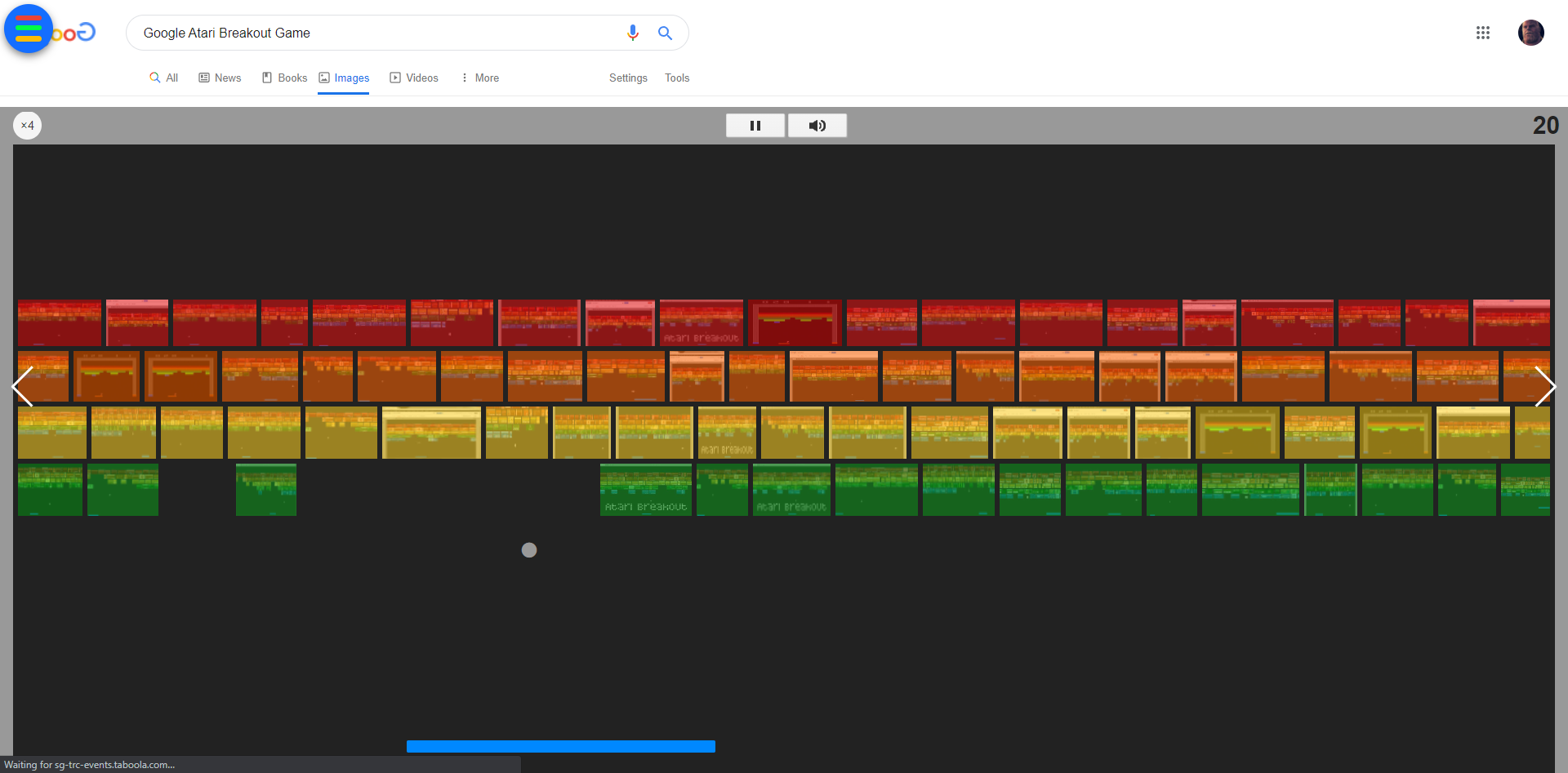
A hidden arcade game can also be found in Google Images. If you type "Atari Breakout" into the image search field, you may play the game by clicking on any of the elgoog.im results that read "Play Google Atari Breakout" (there are a bunch!). You have the option of sharing your score at the end of the game.
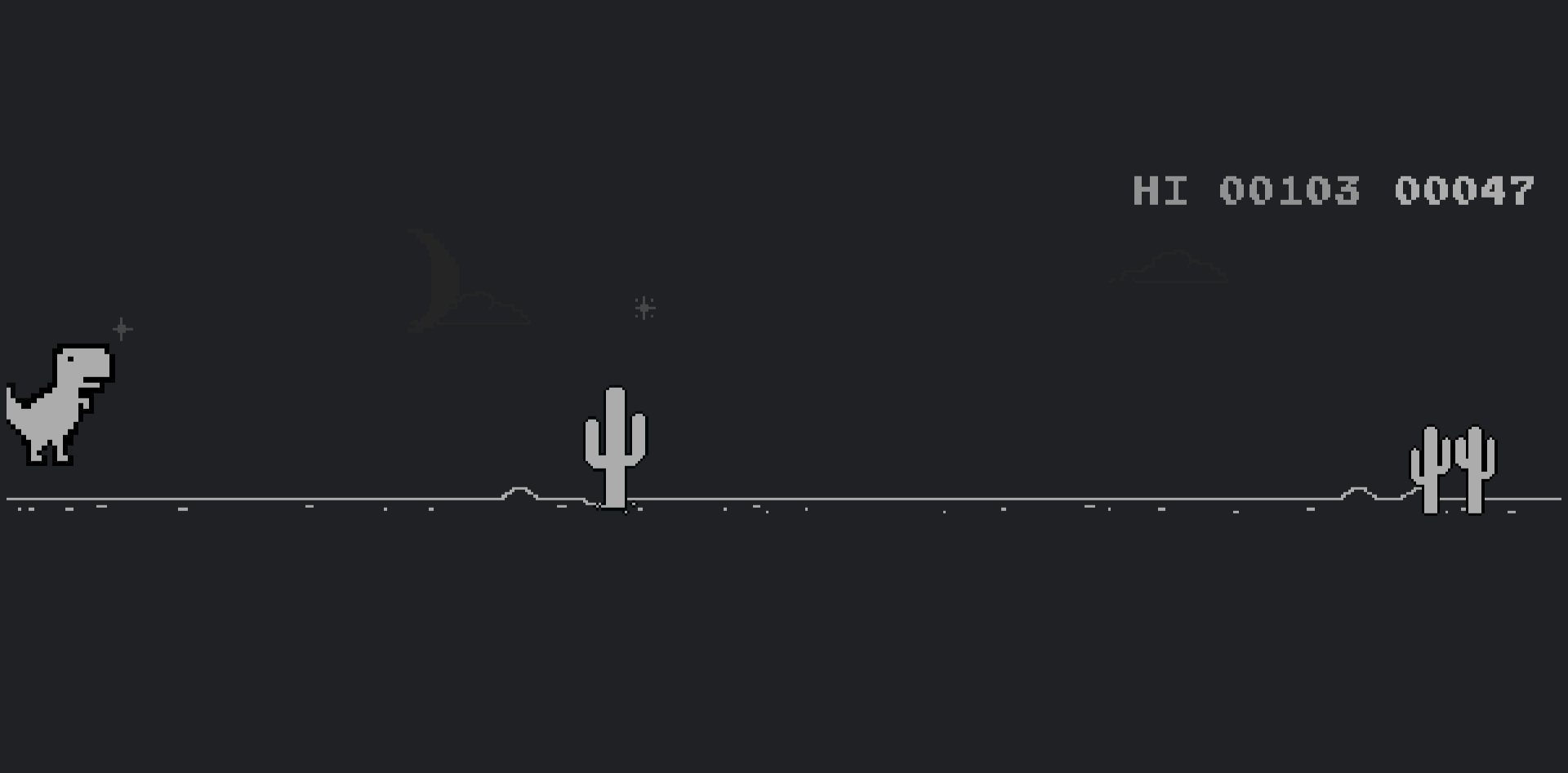
When your wifi goes down or Google Chrome can't discover a connection, it redirects you to a dinosaur-themed error page. You're in for an addictive game if you press the spacebar.
Do you want to play even if your internet is down? Simply type chrome:/dino and press the spacebar in your address bar.
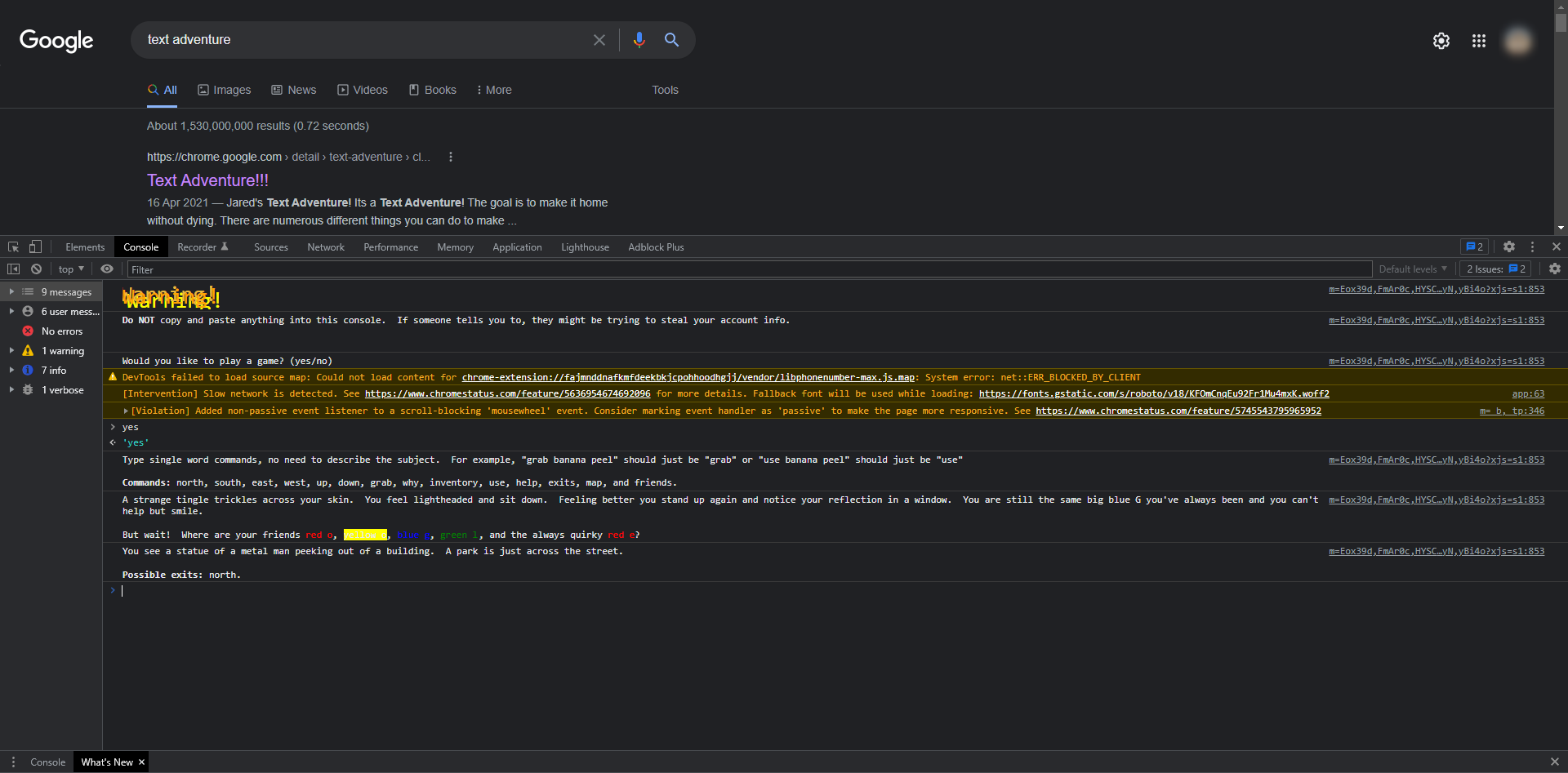
To begin playing a text adventure game, follow these steps:
When you say yes, the journey begins!
Your mission is to reassemble the letters that make up the word "Google." You progress through the game by inputting instructions and selecting options. Best of luck!
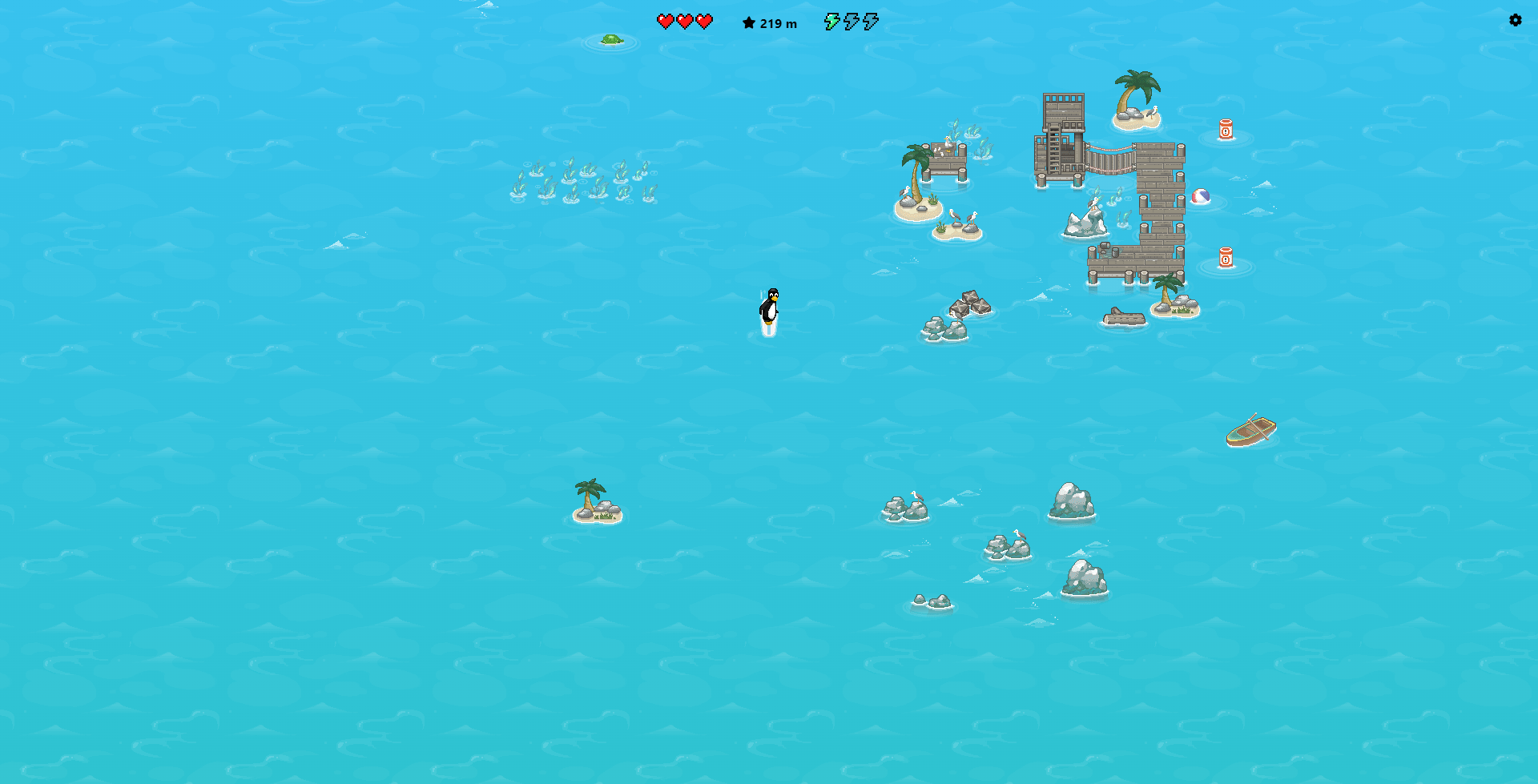
It's a long set of instructions, but if you follow them all to the point, you'll be able to play a fun surf game in the new Edge browser.