
When you type a URL into a browser, for example, 2025.hosting-australia.com/, there needs to be some way to connect that URL with the underlying web server that powers the website at that domain name.
As explained in our previous blog article Understanding DNS Records, if you had to type and remember the actual IP addresses of the website’s you wish to visit each time. It would be impossible to remember all the different addresses.
Nameservers play an important role in connecting a URL with a server in a more functional way.
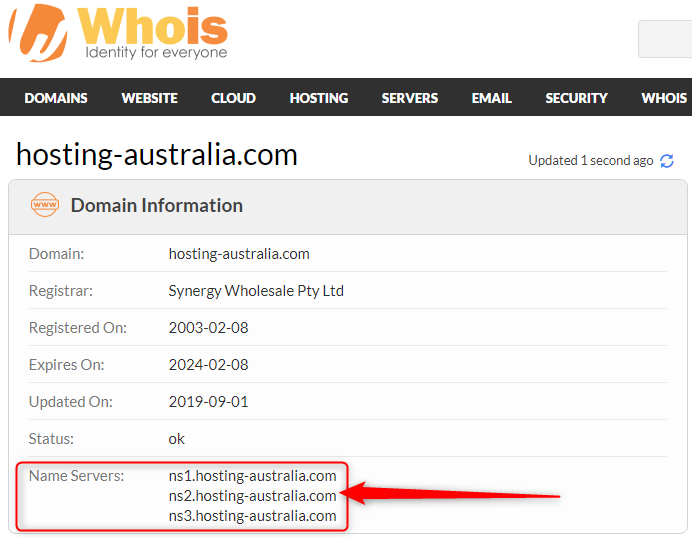
Nameservers look similar to any other domain name. when you view a website’s nameservers, you will typically see a minimum of two nameservers. Here is an example of the 2025.hosting-australia.com/ nameservers:
These nameservers help direct traffic to the 2025.hosting-australia.com/ servers.
Let us take a bit more of a deep dive into how exactly it all works.
When you visit 2025.hosting-australia.com/, it is a simple as opening your web browser and typing 2025.hosting-australia.com/ into the browser’s address bar and the homepage will be displayed.
Its that simple, but this is because we cannot see what is going on behind the scenes between the device and all the networks.
The process goes like this:
2025.hosting-australia.com/ is entered into the browser address bar.
The browser sends a request to the domain’s nameserver.
The nameserver responds back with the IP address of the website’s server.
Browser requests the website content from the IP address
Browser retrieves the content and renders it in your browser.
There are multiple ways to find out what your nameservers are. You may need to change your them to point to a different address or you are prompted to find out what they are by a developer.
The most common way to find these details is by checking online tools such as whois.com.
This site allows you to search a domain name and the domain information displayed, such as the nameservers.
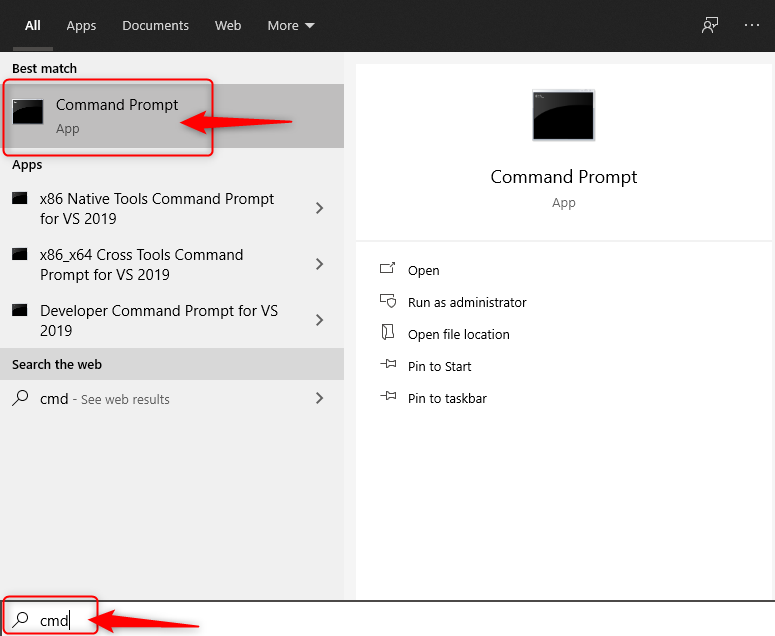
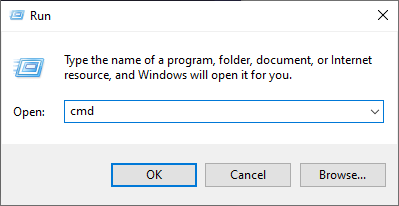
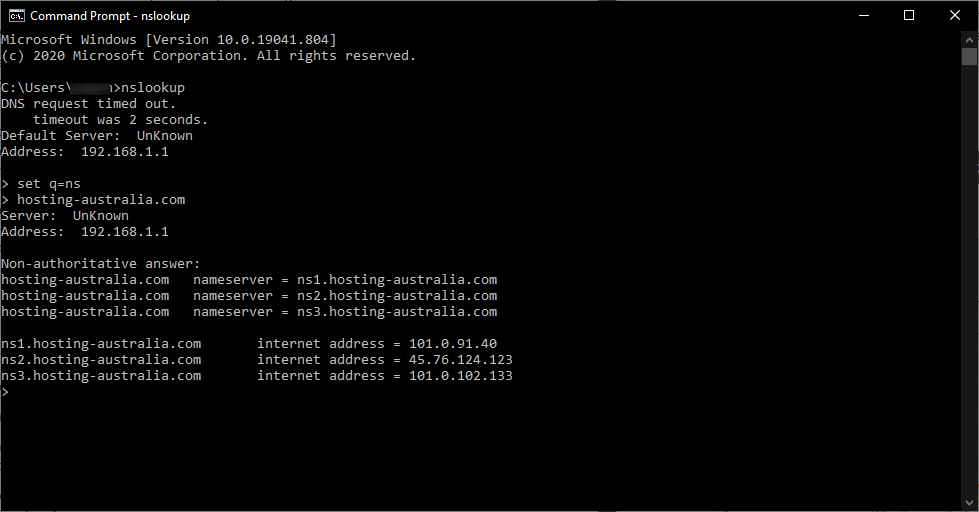
You are also able to find out nameservers through your Command Prompt.
Nameservers play such an essential role in directing traffic on the internet by helping to connect your domain name with the IP address of your web server.
If you ever need to change your nameserver you can also follow this help knowledge base article created by the 2025.hosting-australia.com/ support team HERE!