

SSL Certificates Explained for Small Business
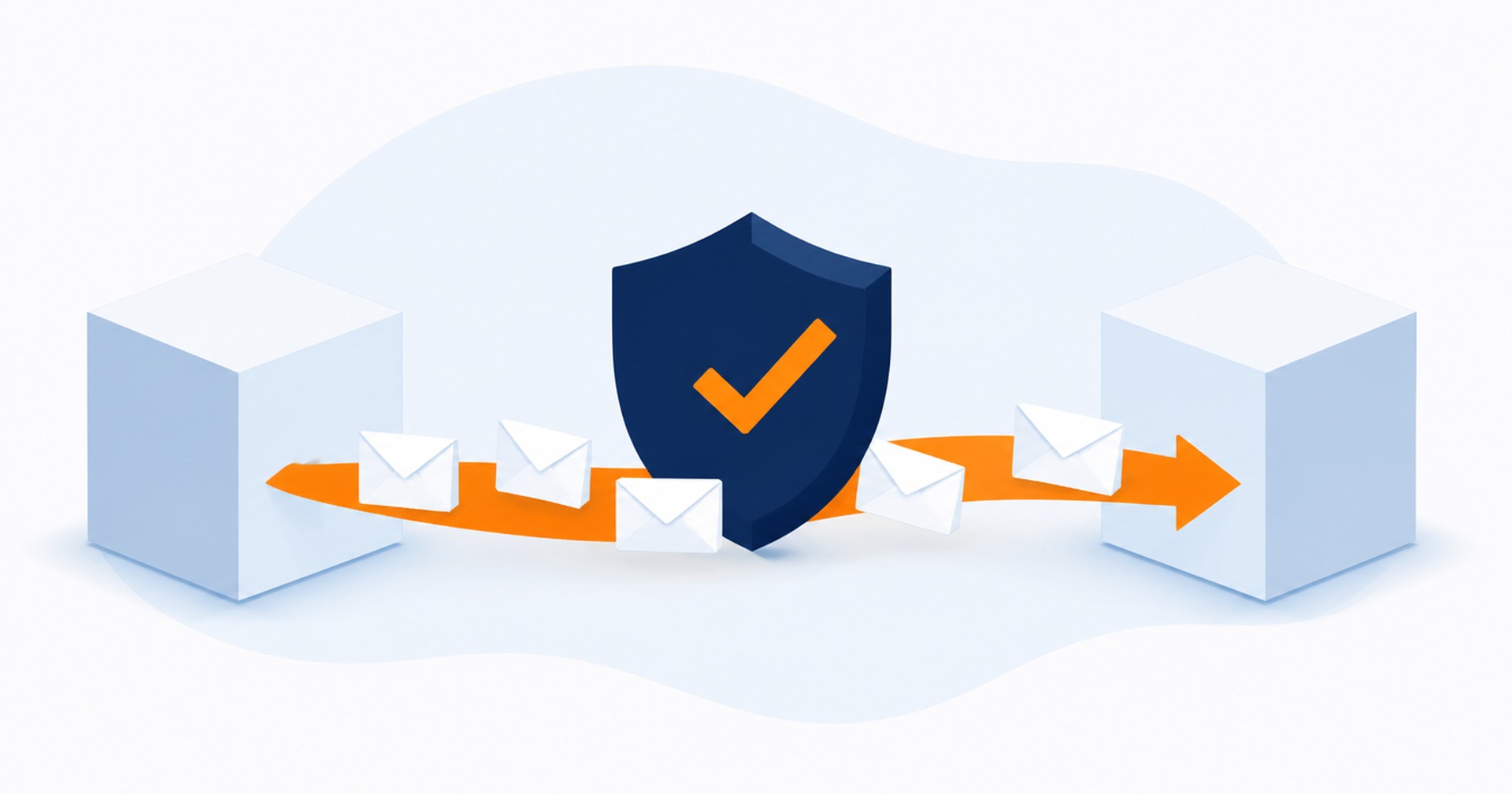
When a customer visits your website, their browser exchanges information with the server that hosts it. That information may include contact form details, login credentials or other data entered on the site. An SSL/TLS certificate allows the connection to use HTTPS, which encrypts data while it travels between the browser and server.
For a small business, the terminology can make a fairly practical task sound more complicated than it is. The certificate confirms that the browser has connected to the domain covered by the certificate through a trusted process. It does not secure every part of the website, but it is an important part of setting up a protected connection.
What an SSL certificate does
SSL is the familiar name, although modern secure connections use TLS. When a visitor opens an HTTPS address, the web server presents its certificate. The browser checks the certificate, the domain it covers and the chain of trust leading back to a recognised certificate authority. If those checks succeed, the browser and server establish an encrypted connection.
Encryption helps prevent information from being read in plain text while it is travelling across the network. This applies to data sent from the browser to the server and data returned to the browser. The certificate also helps the browser check that the domain matches the certificate presented by the server.
You can usually recognise an HTTPS page by the address beginning with https:// and the security information shown by the browser. Browser interfaces change, so a padlock or another symbol should not be treated as a general verdict on the whole website. It mainly indicates the state of the connection.
DV, OV and wildcard certificates
Domain Validation, usually shortened to DV, establishes control of the domain. The certificate authority may check this through a DNS record, a file placed on the website or another approved domain control method. DV is commonly suitable where the main requirement is to enable HTTPS for a domain.
Organisation Validation, or OV, adds checks about the organisation requesting the certificate. It still covers the secure connection, but the certificate authority carries out organisation validation as part of issuing it. The right choice depends on what needs to be validated, rather than on the encryption being described as stronger or weaker.
A standard certificate may cover one hostname or a defined set of hostnames. A wildcard certificate can cover subdomains, depending on the certificate and how it is issued. Before ordering, list the addresses that need coverage, such as the main domain, www address and any named subdomains. This avoids discovering later that an important hostname was left out.
What HTTPS does not fix
HTTPS protects data in transit between the browser and server. It does not patch an outdated website, remove malware or stop someone from using a weak password. It also does not replace software updates, secure account practices or reliable backups.
This distinction matters because a compromised website can still have a valid certificate. The connection to that site may be encrypted even while the site itself contains harmful or altered content. Website security therefore needs several layers. HTTPS is one of them, not a substitute for the rest.
Keep the website platform, plugins and themes maintained. Use strong, unique passwords for administrative accounts, limit access to people who need it, and keep tested backups. Those tasks address risks that a certificate was never designed to handle.
Renewals, redirects and mixed content
Certificates expire and must be renewed. Some hosting setups automate renewal, while others require an administrator to complete or confirm the process. Check who is responsible, how renewal is handled and whether there are any domain validation steps that could fail after a DNS or hosting change.
Installing the certificate is only part of the move to HTTPS. The website should direct visitors from HTTP addresses to the HTTPS versions. Redirects need to be configured carefully so they do not create loops, send visitors to the wrong page or leave both versions available without a clear preference.
Mixed content is another common issue. It occurs when an HTTPS page still loads an image, script, stylesheet or other resource over HTTP. Browsers may warn about or block that resource. Updating internal links and checking templates, plugins and embedded items can resolve these references.
After setup, test the main pages, forms and administrative areas. Check more than the home page, since an old HTTP reference may only appear in a particular template or piece of content. It is also worth confirming that every required domain and subdomain is covered by the certificate.
Choosing and managing SSL for your business
Start with a simple inventory of the domains and subdomains your business uses. Note where each website is hosted, who controls DNS and whether email, customer portals or other services use separate hostnames. This gives your provider the information needed to identify suitable certificate coverage.
Ask how validation will be completed, who will install the certificate and who will monitor renewal. If you are replacing an existing certificate, plan the change so the new certificate is active before the old one expires. Keep a record of the certificate type, covered names and responsible contact.
Hosting Australia offers SSL certificates and can help you work through the practical details for your website. If you are unsure which domains need coverage, whether a wildcard is appropriate or how to correct mixed content and redirects, contact Hosting Australia to discuss the current setup.
A well-managed certificate gives browsers the information they need to validate the domain and create an encrypted HTTPS connection. Pair it with updates, strong passwords and backups, then keep renewal responsibilities clear. That provides a sound, practical approach without expecting HTTPS to solve problems outside its purpose.


Australian Hosting Support



Newsletter Sign Up
