Safe WordPress Access for Staff and Agencies
Give every user the right access without sharing logins
Safer WordPress access for staff, agencies and developers
Small business websites often need input from several people. A staff member may publish news, an agency may update a landing page, and a developer may investigate a technical issue. The convenient option is to share the main administrator login, but that removes accountability and gives every person more access than they may need.
WordPress includes user roles that can separate everyday content work from site administration. Combining those roles with individual accounts, strong authentication and a simple access review process makes collaboration safer without making routine work difficult.
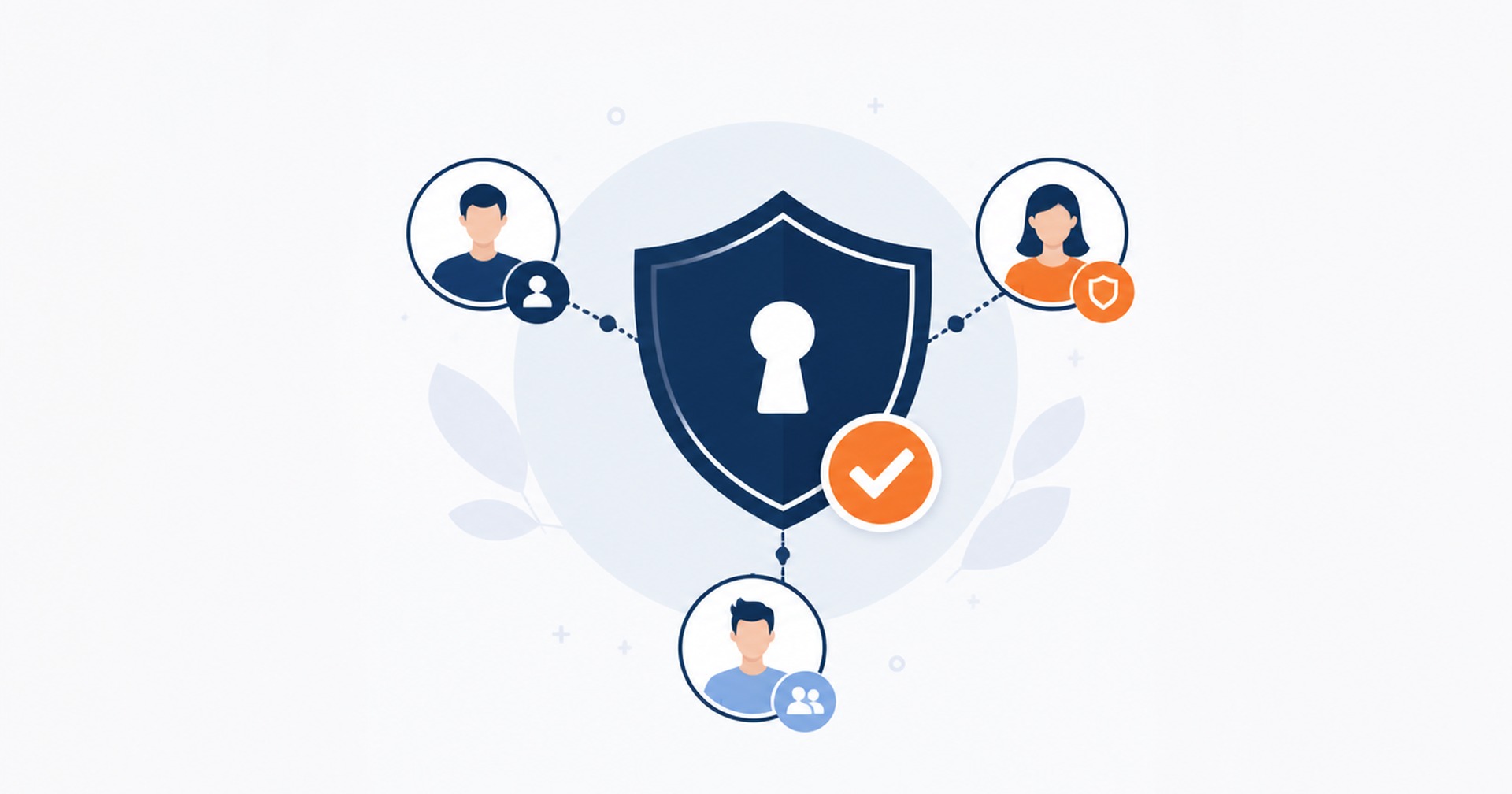
Give each person their own account
Every person who works on the site should have an individual account. This makes it easier to remove one person’s access without changing the login for everyone else. It also helps the business understand who published or changed content when reviewing activity records, revisions or support notes.
A shared login creates several problems. The password may be copied into email, messages or documents. Nobody knows which copy is current, and changing it can unexpectedly lock out people who still need access. When a staff member or supplier leaves, the business may not know where the shared password was saved.
Create the account using the person’s business email address where possible. Use a clear naming convention so an administrator can recognise the owner later. Avoid generic usernames such as admin, and never reuse a password from another service.
For an external agency, agree on who owns the account and how long access is required. A named account can be disabled when the project finishes, then reactivated or replaced if further work is approved. Temporary access should still be treated as real access to a business system.
Choose the lowest role that fits the task
WordPress roles are collections of capabilities. An Administrator can manage the full single-site installation, including users, plugins, themes and settings. An Editor can publish and manage content created by other users, while an Author can publish and manage their own posts. A Contributor can write and edit their own posts but cannot publish them, and a Subscriber has basic profile access.
Start by asking what the person actually needs to do. Someone preparing draft articles may only need Contributor access. A marketing manager responsible for pages and posts may need Editor access. Administrator access should be reserved for people who genuinely need to change site-wide settings, manage software or administer other users.
The default roles do not fit every workflow, especially on sites with e-commerce, membership or other plugins. Those systems may add their own roles and capabilities. Check the documentation for the specific site and test a new account before relying on it. Do not assume a role name tells you everything it can access.
When a developer needs administrator access to troubleshoot a problem, provide it for the work period and review it afterwards. If the task can be tested on a staging site first, use staging to reduce the risk of an accidental change affecting customers.
Protect every login, especially privileged accounts
Each account should use a long, unique password stored in a trusted password manager. WordPress can generate a strong password when an account is created or reset. Reusing a password means a breach on an unrelated service could place the website at risk.
Consider two-factor authentication for administrators and other privileged users. WordPress documentation notes that two-factor authentication currently requires a suitable third-party plugin or another authentication service. Choose a maintained solution that suits the site, test recovery procedures and store backup codes securely.
Keep WordPress core, themes and plugins maintained because access control is only one part of website security. Back up the site before significant changes, and confirm that the recovery process is understood. A secure login does not protect against every software fault or mistaken edit.
Avoid sending passwords through ordinary email or chat. If an agency needs access, create the account directly and let the user set or reset the password through the normal WordPress process. Never ask a supplier to use the business owner’s personal administrator account.
Review access when people and projects change
Access management is not finished when an account is created. Keep a short register of who has access, their role, why they need it and when it should be reviewed. Check the WordPress Users screen regularly and compare it with current staff, contractors and support arrangements.
When someone leaves, disable or remove the account promptly. Before deleting a user, decide whether their posts should be reassigned so published content remains attached to an appropriate author. If a supplier’s work is paused rather than finished, reducing the role may be more suitable than leaving full administrator access in place.
Review integration credentials as well as human users. Some services connect through application passwords, API keys or plugin accounts. These credentials should be documented, limited where possible and revoked when the integration is no longer used.
A practical access process is simple: individual accounts, the lowest suitable role, strong authentication, staged testing for risky work and regular reviews. These controls reduce avoidable exposure while helping staff and suppliers do their jobs. If you need help reviewing WordPress access or putting a maintenance process in place, contact Hosting Australia to discuss your website.
Australian Hosting Support


Newsletter Sign Up