
WordPress shortcodes are an incredibly useful way to customize your site and add new features. Without having to learn any code and code yourself. If you have installed any plugins or made any adjustment to your WordPress site, you have probably come across the term “shortcode”.
To put it simply, a shortcode is a small piece of code, indicated by brackets like [this], that performs a dedicated function on your site. This shortcode can placed about anywhere you would like, and it will add a specific feature to your page, post, or other content. For example, a shortcode can be used to display galleries, payment portals, or videos.
If you are still not completely sure what shortcodes are and how and why they are used within WordPress, Let's take a deep dive into more of the basics, show some examples, and plugins that you can use to expand your shortcode.
Most existing themes and plugins are equipped with their own shortcodes that allow you to tap into additional features or display certain plugins across your site.
Therefore, WordPress is such a power web designing tool. Since it is an open-source platform, it allows you to customize it in any way you would like. But as mentioned previously if you are not a developer and have no coding experience, adding code yourself is not really feasible. Therefore, shortcodes have been developed so you can achieve the same effect, without needing to know any coding.
Shortcodes can be used on any location in your WordPress post or page. That includes widget-ready areas like sidebars, headers, and footers, as well as in the main content.
So, now you have the basics down of what shortcodes are, how do you add them to your WordPress? But first let us see what shortcodes are incorporated into the WordPress:
To implement any of the above, you will need to go to the Default Editor within WordPress to add shortcodes:
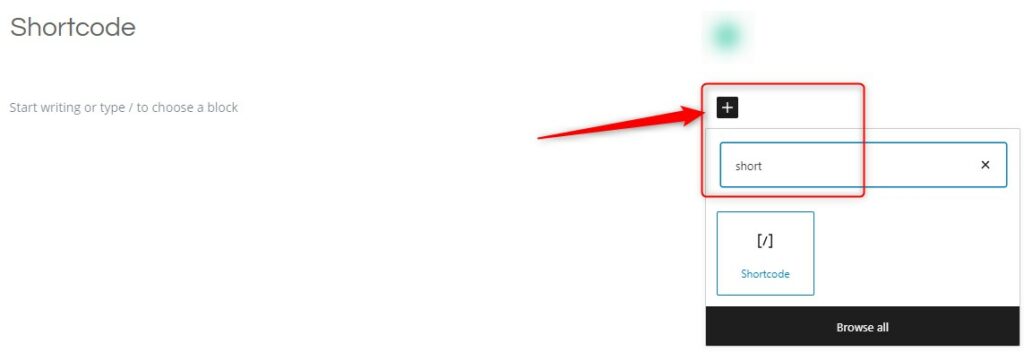
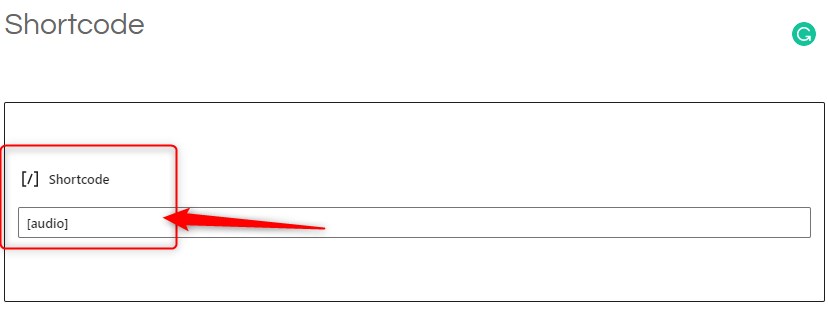
Sometimes you may wish to use the text which usually represents a shortcode in your posts. To do this, you need to escape the shortcode by using two sets of brackets instead of just one. So to display this in your post:
]If you are looking to add more shortcode functionality to you site, then using a WordPress shortcode plugin will be your best bet.
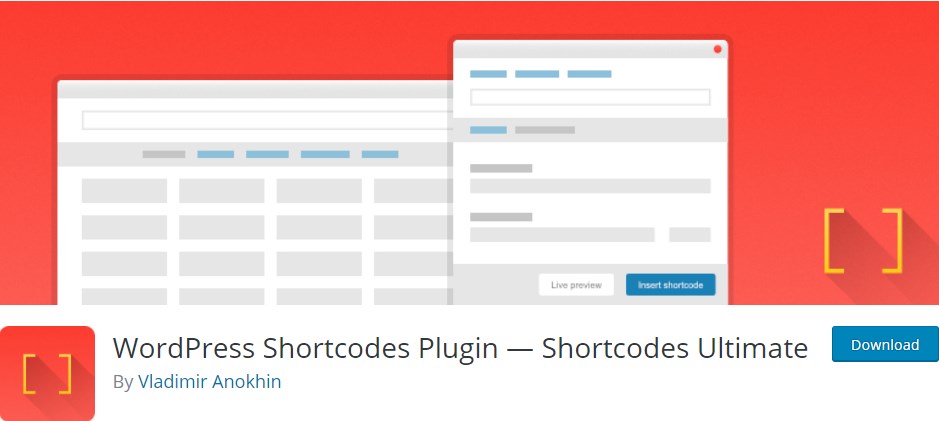
Shortcodes Ultimate is a free plugin for users who want a lot of options and each one easily available with the following features:
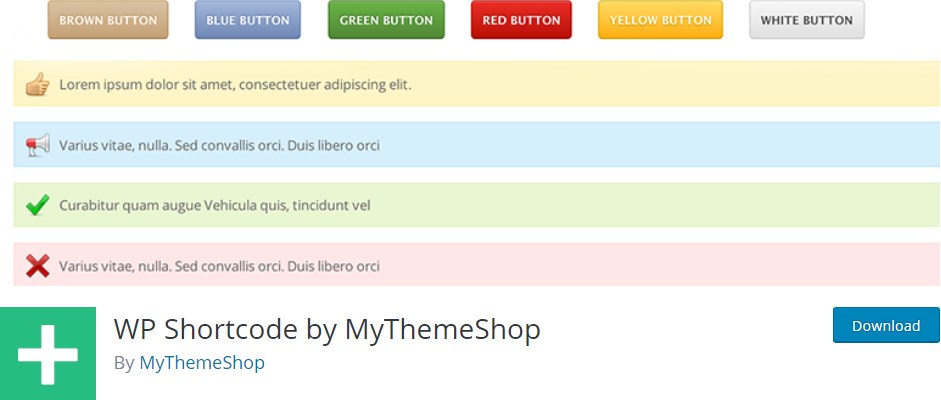
WP Shortcode by Mythemeshop is a lightweight and easy to use shortcode plugin. This plugin will allow you to add functions like:
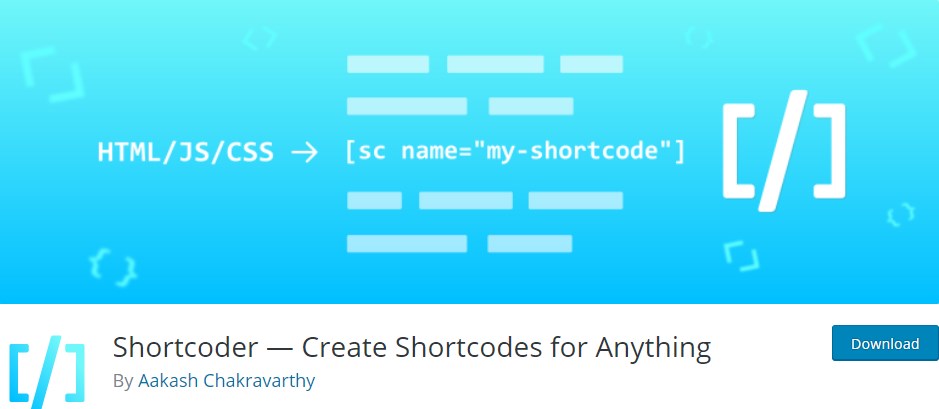
Shortcoder lets WordPress you generate custom shortcodes that contain HTML, CSS and JavaScript. Paste in your code, assign and recognizable name to your new shortcode, then place it anywhere on a page or post. Shortcoder also includes the following features:
Shortcodes are one of the most effective ways to customize your site without know how to code. Without the ability to shortcode you would have to take the time out of your day learning how to code as the original theme would be a nightmare to customize without them.
Here at 2025.hosting-australia.com/ we understand that your time is important. But, taking time to understand how effective features like shortcodes are to help grow your business.
If you have any issues or queries, about shortcodes please contact 2025.hosting-australia.com/ support here!