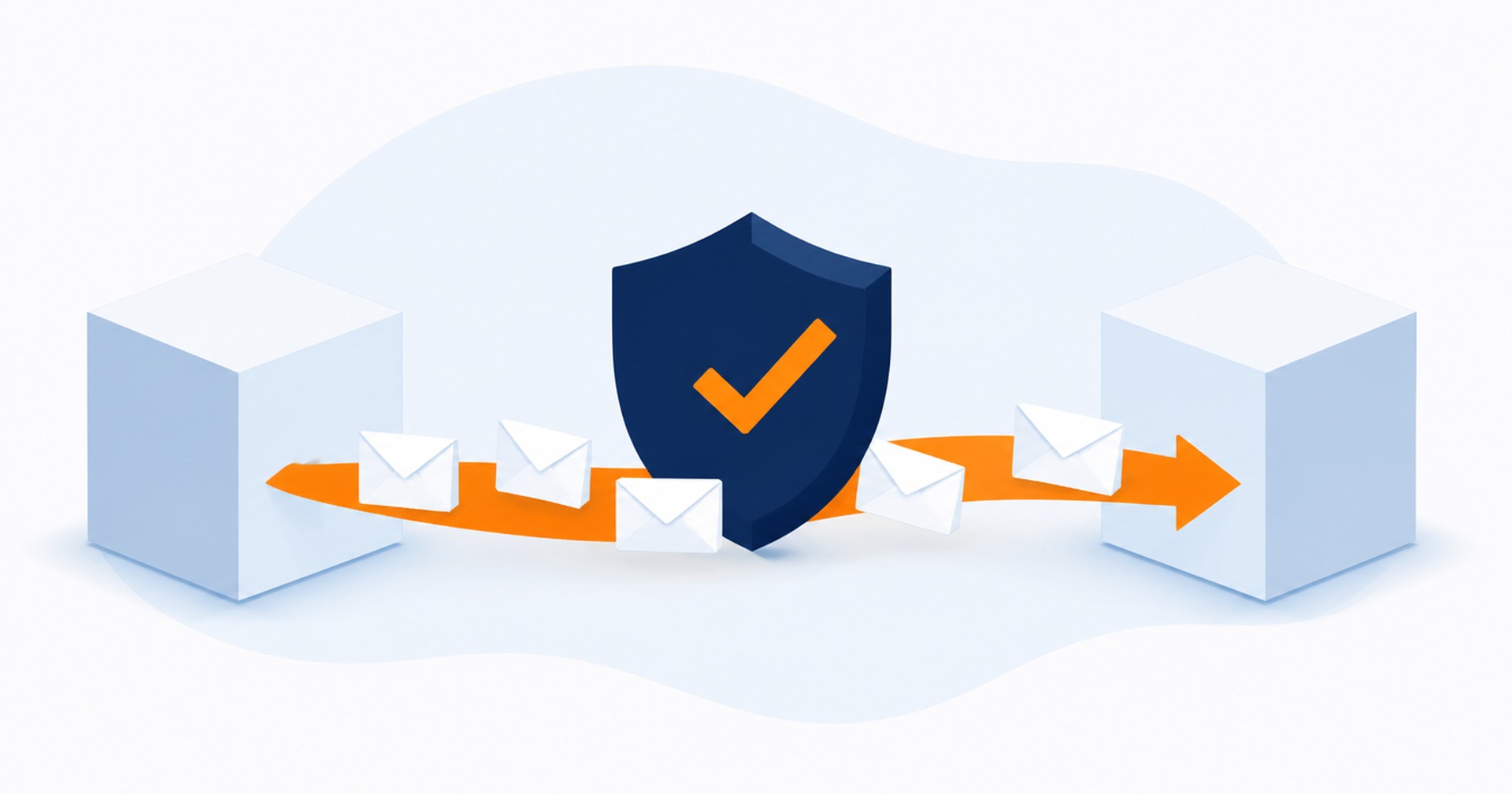
You send a carefully written email to a customer, and it never arrives. Or it arrives, but only after you check the spam folder and forward it with an apology. For small businesses this is frustrating, and it is often fixable. The problem is usually not your internet connection or your email app. It is missing email authentication records in your domain's DNS.
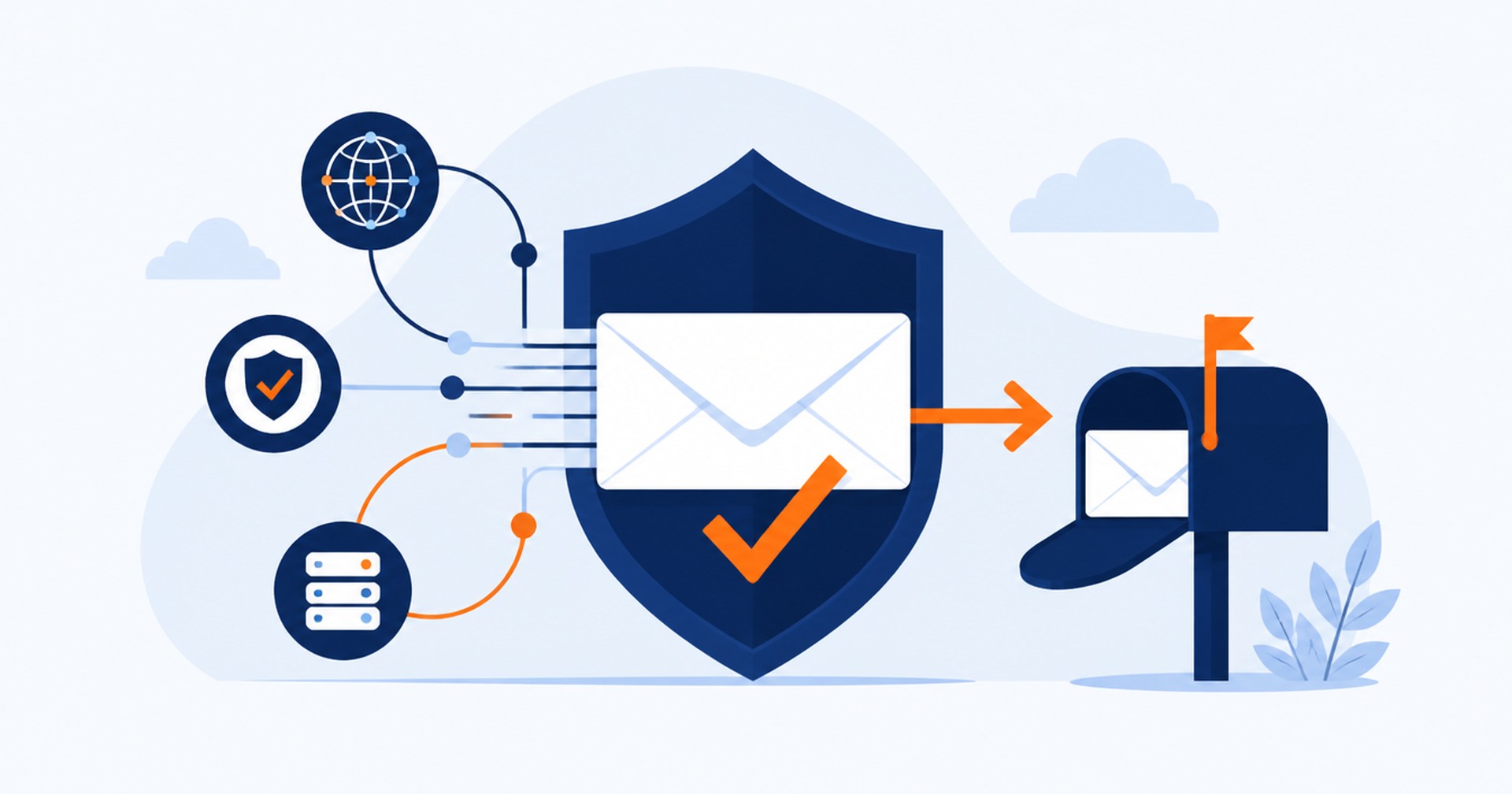
Receiving servers such as Gmail and Outlook have become strict about which messages they trust. They check whether an email claiming to come from your domain is actually authorised by your domain. If those checks cannot be confirmed, your mail is more likely to be filtered or rejected. Three DNS records do most of the work: SPF, DKIM and DMARC. Once they are published correctly, your legitimate mail has a verifiable identity and far fewer reasons to be treated as suspicious.
SPF, which stands for Sender Policy Framework, is a DNS record that lists the mail servers allowed to send email for your domain. When a receiving server gets a message from your domain, it looks up this list and checks whether the sending server is on it. If your business sends mail only through your hosting provider's mail server, the SPF record includes that server and nothing else needs to change.
Problems start when other services send mail using your domain, such as your website's contact form, a booking system, an email marketing tool or an invoice platform. Each of those services has its own sending servers, and they must be added to the SPF record. If they are missing, their mail can be rejected even though it is perfectly legitimate. If you use many services, the record can grow complicated, which is exactly why providers publish a fixed format for you to copy.
DKIM, or DomainKeys Identified Mail, works differently. Your outgoing mail server signs each message with a private key, and the matching public key is published in your DNS as a DKIM record. Receiving servers can use the public key to verify that the message was genuinely signed by your domain and was not altered in transit.
DKIM signatures are usually added by the service that sends your mail. Your hosting provider's mail server signs your outgoing messages automatically, and services like email marketing platforms provide their own DKIM records for you to publish. A message signed by your domain is much harder to impersonate, which is why spoofed emails that pretend to come from your business often fail when DKIM is in place.
DMARC, which stands for Domain-based Message Authentication, Reporting and Conformance, tells receiving servers what to do when SPF and DKIM checks fail. Without DMARC, each receiving server decides for itself, which leads to inconsistent results. With DMARC, you set a policy: messages that fail the checks can be sent to the spam folder or rejected outright.
DMARC also produces reports that show which services are sending mail using your domain. That visibility is valuable, because it reveals senders you may have forgotten about, and it can expose attempts by scammers to impersonate your business. Most small businesses start with a policy that only monitors, then tighten it once they confirm all legitimate senders pass.
All three records are published as text entries in your domain's DNS, the same system that points your domain to your website and your email. Adding or updating them does not interrupt your website or your inbox, and the changes usually take effect within a few hours. Your hosting provider can tell you what each record should contain, add them for you and check them afterwards.
If you are unsure whether your domain has these records, ask your provider to run a quick check. A domain that has none of them, or that has an SPF record listing a service you no longer use, is a domain that will keep fighting its own email.
A common situation is a business using an external service, such as a marketing platform or a booking system, that sends email on its behalf. The vendor will provide the exact SPF entry to include and a DKIM record to publish, and they usually have setup instructions for each DNS host. In most cases the customer needs to request the records from the vendor, and the hosting provider adds the DNS entries the vendor specifies. If the vendor's instructions are missing or unclear, ask them directly, because only they know their sending infrastructure.
Email authentication is not glamorous, but it protects a channel that carries your invoices, quotes and customer conversations. If your mail is landing in spam, start with SPF and DKIM, add DMARC once those are confirmed, and keep the records up to date whenever you change email providers or add a new sending service. The Hosting Australia team checks and adds these DNS records for customers every week, so contact us if you would like yours reviewed.